Secrets
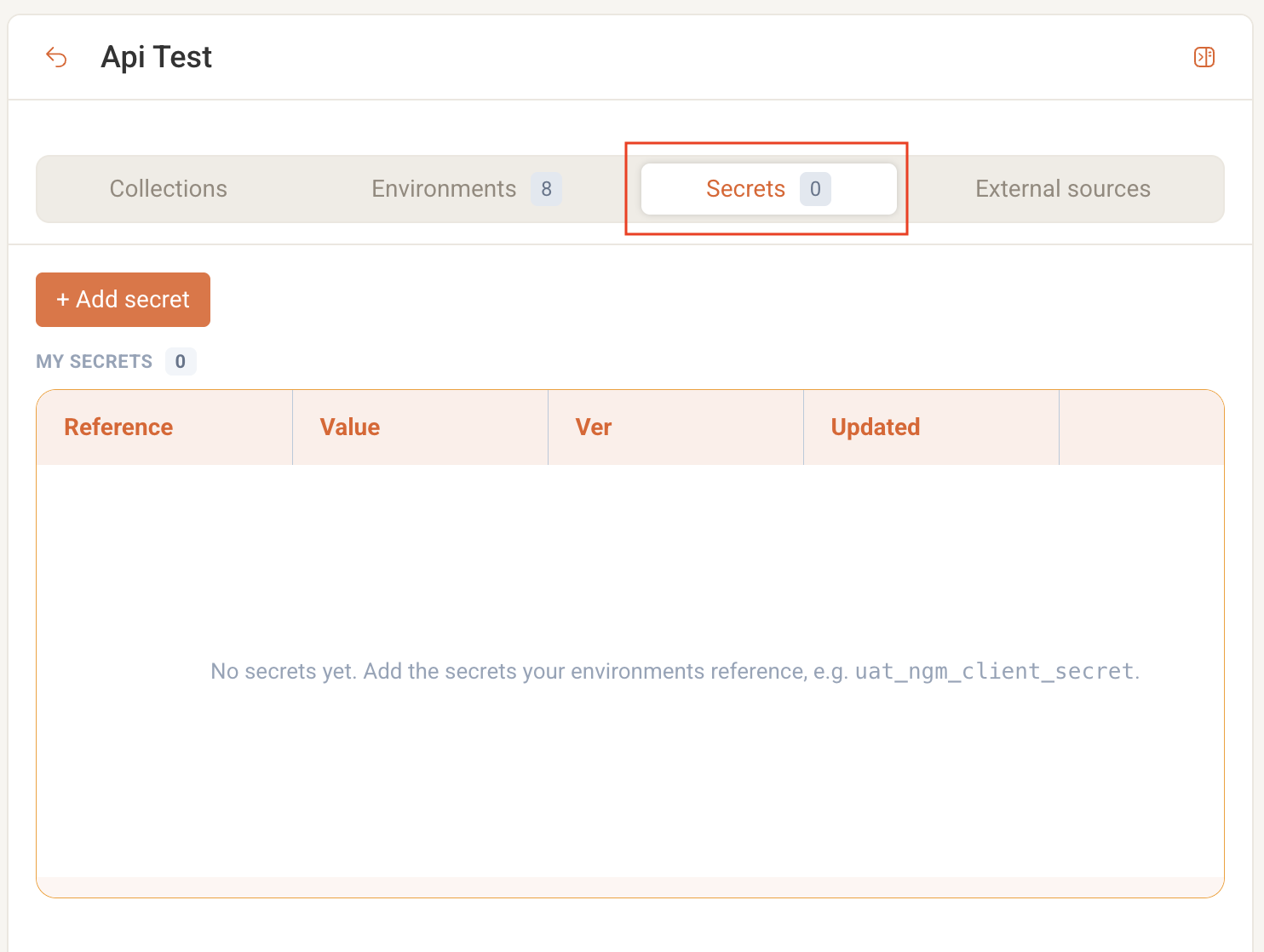
The Secrets tab in API Test lists your secrets. To open it, open API Test, then select the Secrets tab. The number next to the tab name shows how many secrets you have, such as 0.
View the Secret List
The MY SECRETS heading shows the total number of secrets, such as 0.
When there are no secrets, the list shows No secrets yet. Add the secrets your environments reference, e.g. uat_ngm_client_secret.
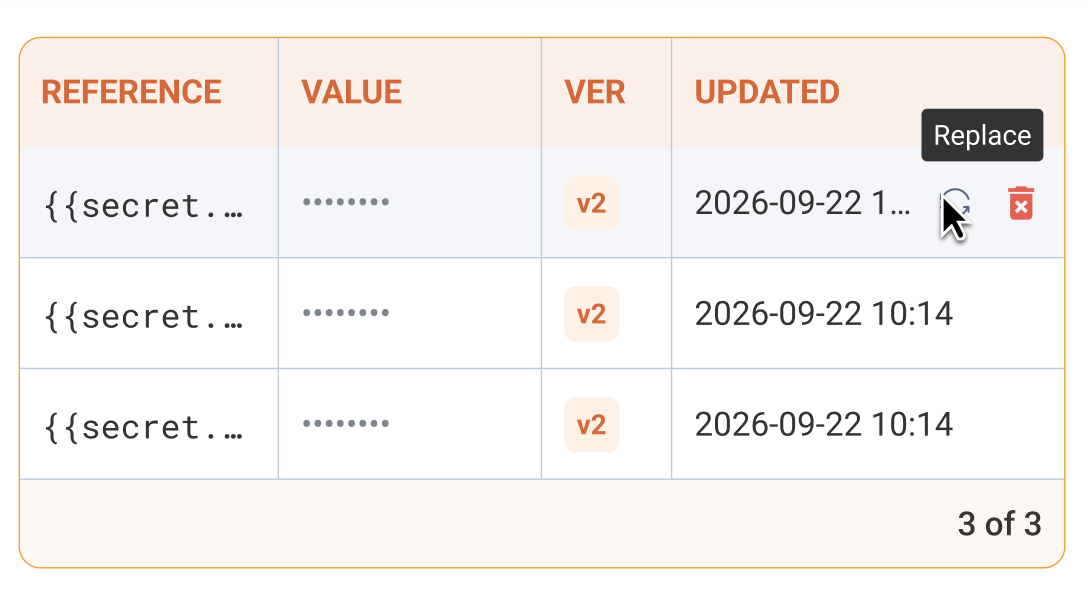
Each secret is shown in a table with the following columns:
- Reference — how the secret is referenced, written like
{{secret.name}} - Value — the value of the secret. It is always shown as masked dots
- Ver — the version of the secret, such as
v2 - Updated — the date and time the secret was last updated
Replace or Delete a Secret
When you point at a row, two icons appear at the right of the row:
- Replace — replaces the value of the secret. See Replace a Secret
- Delete button — deletes the secret
